From streaming and gaming to Zoom calls and cloud backups, today’s households demand more from their internet than ever before. With multiple people online at once—working, learning, and unwinding—bandwidth can get stretched thin fast. But you don’t necessarily need to upgrade your plan right away. Instead, managing your home network more efficiently can make a big difference. Here’s how to share bandwidth in a digital household without constant buffering or dropped connections.
- Know How Much Bandwidth You Actually Have
Start by checking your current internet speed using Speedtest and compare it to your plan’s advertised speed.
- Video conferencing: 1–4 Mbps per stream
- HD streaming: 5 Mbps per device
- 4K streaming: 25 Mbps per device
- Gaming: 3–6 Mbps, with low latency requirements
If multiple devices are performing these tasks simultaneously, even a 200 Mbps plan can get overloaded.
- Set Up Quality of Service (QoS)
Quality of Service settings let you prioritize traffic. For example, you can give Zoom calls or work laptops higher priority over game consoles or streaming devices.
To activate QoS:
- Log into your router’s admin panel
- Look for “QoS” settings
- Assign priority to specific devices or applications
Many modern routers like those from Netgear or TP-Link offer mobile apps that make QoS configuration easier.
- Upgrade to a Dual-Band or Tri-Band Router
Older routers using only the 2.4 GHz band can’t handle multiple simultaneous high-speed connections well. A dual-band or tri-band router gives you separate channels for different activities:
- 2.4 GHz: Long range but slower speeds
- 5 GHz or 6 GHz: Faster and less interference
Assign work or school devices to one band and entertainment devices to another to avoid congestion.
- Use Ethernet Where Possible
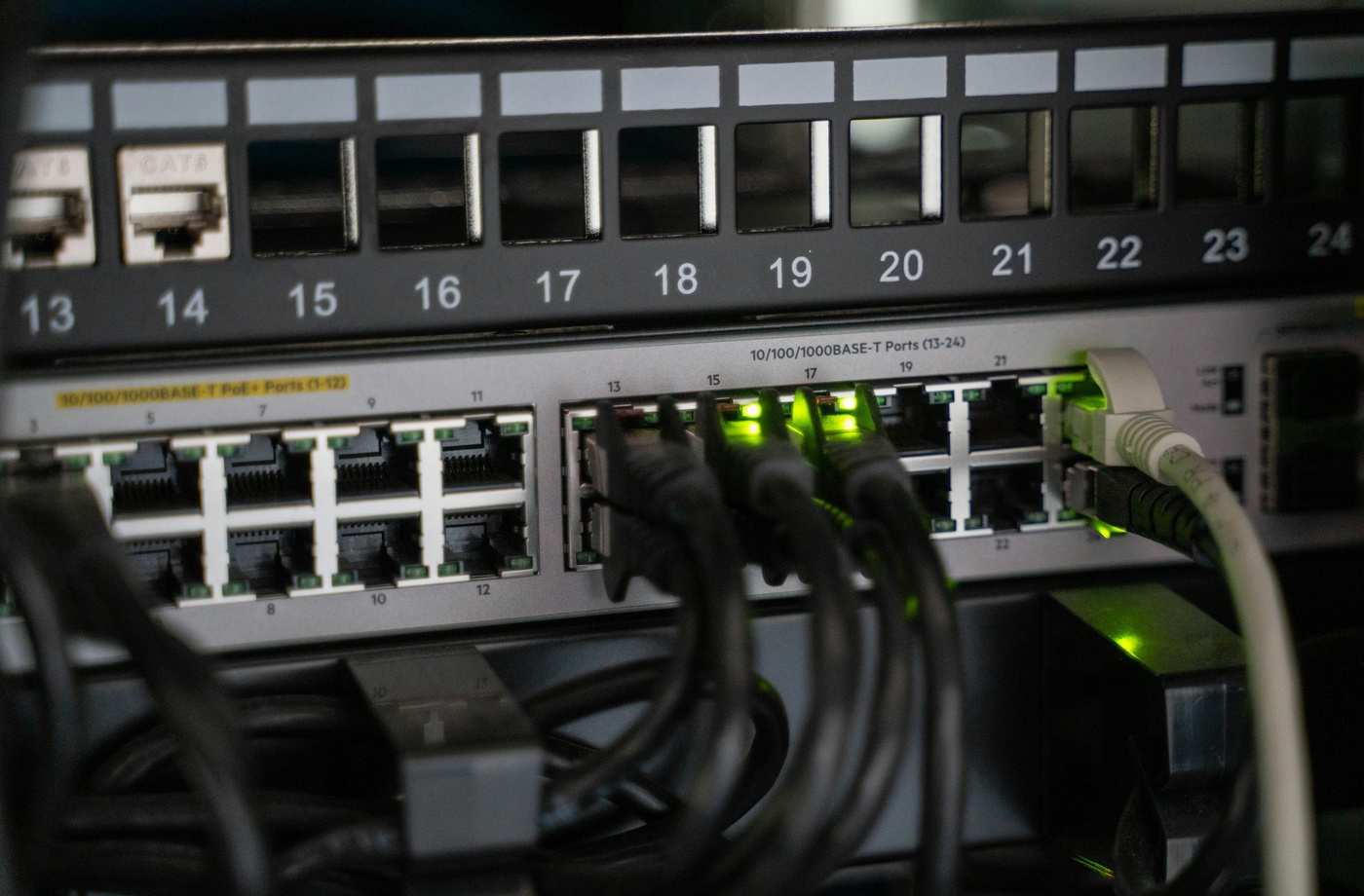
Hardwiring computers, gaming consoles, or smart TVs using an Ethernet cable can free up wireless bandwidth for mobile devices. Ethernet also offers more stable speeds and lower latency—ideal for high-demand activities.
- Schedule High-Bandwidth Tasks During Off-Peak Hours
Cloud backups, software updates, and file uploads can use up significant bandwidth. Schedule these during late-night or early-morning hours using device settings or router-based parental controls.
- Monitor Device Usage
Most modern routers allow you to see which devices are connected and how much data they’re using. Use this feature to:
- Identify data-heavy devices
- Disconnect inactive or unknown devices
- Track patterns over time
This can be managed easily with apps like Linksys Smart Wi-Fi or Eero.
- Talk with Household Members About Network Etiquette
Sometimes, a simple conversation goes a long way. Establish guidelines like:
- No HD streaming during work hours unless needed
- Turning off consoles or smart TVs when not in use
- Avoiding large downloads during meetings
This can help create a more cooperative digital environment.
- Consider a Bandwidth Upgrade If Necessary
If your plan isn’t meeting your household’s needs even after optimization, it may be time to upgrade. Use BroadbandNow to compare available providers and speed tiers in your area.
Final Thoughts
A high-functioning digital household doesn’t always require more bandwidth—it just requires smarter management. From using QoS settings to scheduling large tasks during off-hours, these strategies help ensure everyone can stay connected, productive, and entertained without frustrating slowdowns.